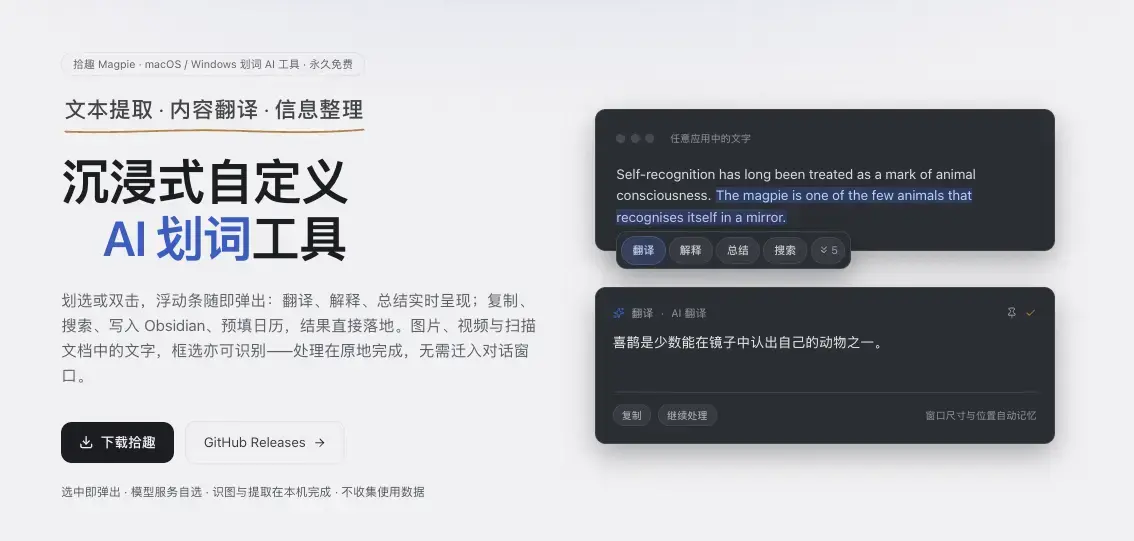
拾趣 (Magpie)是一款跨平台沉浸式自定义AI 划词工具
划选或双击,浮动条随即弹出:翻译、解释、总结实时呈现;复制、搜索、写入 Obsidian、预填日历,结果直接落地。图片、视频与扫描文档中的文字,框选亦可识别——处理在原地完成,无需迁入对话窗口。
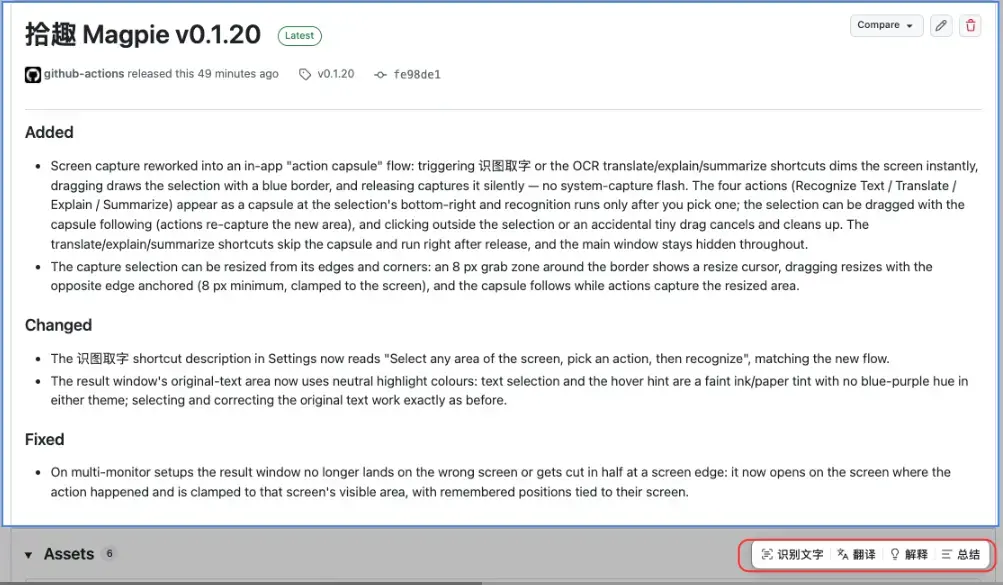
Release v0.1.21 更新内容:
Added
-
The interface now speaks both Chinese and English: every piece of user-visible text — settings pages, the floating bar, the action capsule, the result window, the tray menu and toasts — is available in either language. It follows the system language by default (Chinese system → Chinese interface, anything else → English), and can be switched manually in Settings › General (跟随系统 / 中文 / English). The switch takes effect immediately and the choice survives restarts.
Changed
-
The four built-in AI prompts (translate / explain / summarize / smart extract) now come in both languages: the prompt page shows, edits and restores the version matching the interface language. Your own custom prompts are never touched by a language switch.
-
AI actions now answer in the interface language: translate / explain / summarize produce Chinese on a Chinese interface and English on an English one, and translation picks the other language when the source text is already the target one. Machine-translation services follow the same rule instead of guessing from the text. The prompts in Settings show this as a
{lang}placeholder, so what you see is exactly what gets sent.